
Is there a spelling mistake in your ration card? Or do you need to add a new baby? You can now do ration card correction Kerala online from your phone. No more long queues at the supply office.
This guide is for every ration card family in Kerala. We show you the right website, the services and the exact steps.
Kerala Ration Card e-Services: Quick Facts
| Detail | Information |
|---|---|
| Service name | e-Services – Ration Card Management System |
| Department | Civil Supplies Department, Kerala |
| Developed by | National Informatics Centre (NIC) |
| Type | Government website (no separate app) |
| Status alerts | Sandes app (Android and iPhone) |
| Price | Free to apply online |
| Help desk | 1967 / 0471-2322155 |
Services for Ration Card Correction Kerala Online
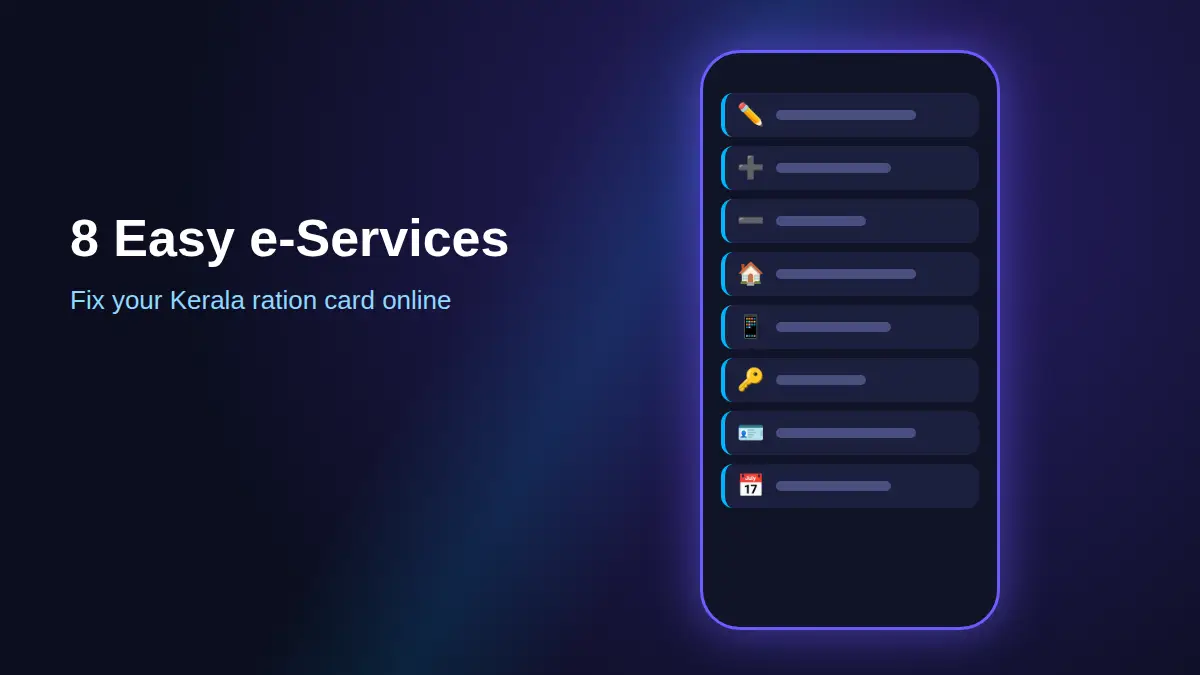
After you log in, open the E-SERVICES menu. Here is what each service does:
- Name Correction – Fix a wrong spelling in any name.
- Addition of Member – Add a newborn baby or a new bride.
- Reduction of Member – Remove someone who moved out or passed away.
- Change Residence Status – Change a member from NRI (pravasi) to living in Kerala.
- General Details – Update your mobile number.
- Change of Ownership – Make another member the head of the card.
- Aadhaar Entry – Link each member’s Aadhaar to the card.
- Date of Birth Correction – Fixed through the related member correction service.
For example, your daughter is “Anju” on Aadhaar but “Anjoo” on the ration card. Use Name Correction, and both records will match.
How to Create a Citizen Account
First, you need a free account. It takes only a few minutes.
- Step 1: Open Chrome or Safari on your phone. Go to the official Kerala Civil Supplies citizen portal.
- Step 2: Tap “Create an Account” below the login box.
- Step 3: Fill in the details the form asks for.
- Step 4: Type the OTP if one is sent to your phone. (OTP is a one-time code sent by SMS.)
- Step 5: Set your User ID and password. Save them safely.
How to Do Ration Card Correction Kerala Online (Steps)
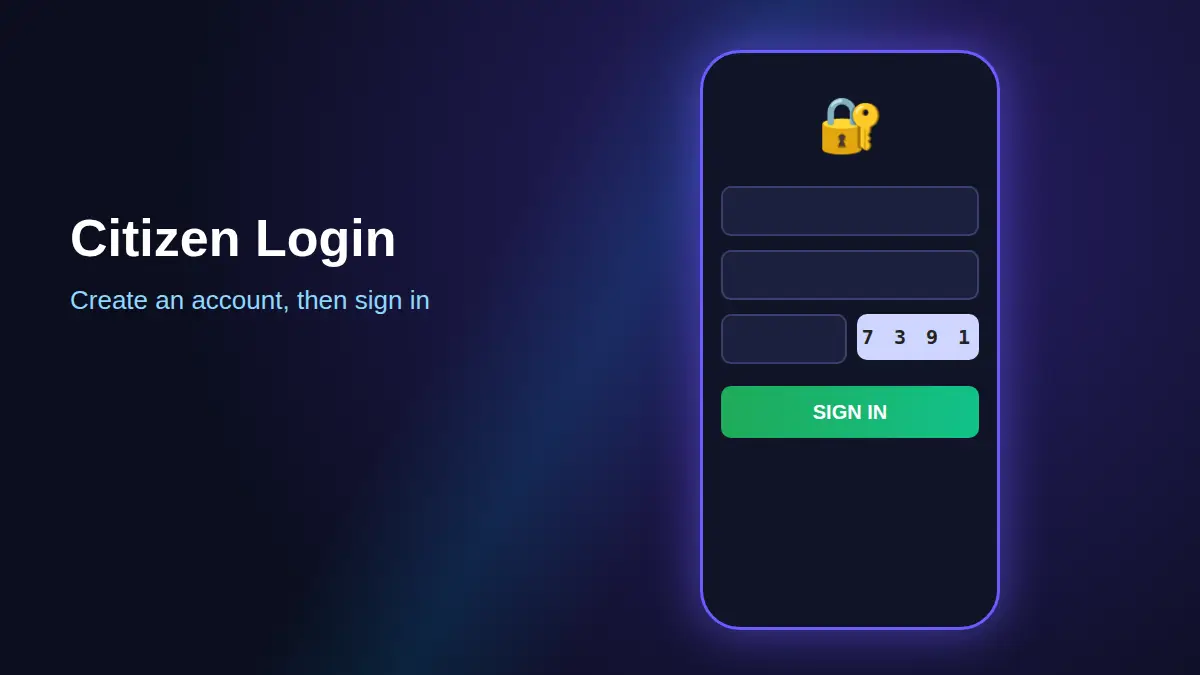
- Step 1: On the login page, type your User ID, password and captcha. (Captcha is the small number picture you copy into the box.)
- Step 2: Tap SIGN IN.
- Step 3: Tap E-SERVICES.
- Step 4: Pick your service. For example, tap Addition of Member to add a child.
- Step 5: Fill in the correct details. They must match the person’s Aadhaar exactly.
- Step 6: Upload clear photos of your proof documents.
- Step 7: Check everything. Then tap Submit and note your application number.
Next, the Taluk Supply Office checks your ration card correction Kerala online request. Once approved, your card is updated.
Kerala Ration Card e-Services
Official portal and status app – free to use
Documents You May Need
Keep these ready before your ration card correction Kerala online request. Clear phone photos are fine.
- Aadhaar card – needed for most changes.
- Birth certificate – to add a child or fix a date of birth.
- Marriage certificate – to add a wife.
- Death certificate – to remove a member who passed away.
- Passport copy – may be asked when you change NRI status.

Track Your Application on the Sandes App
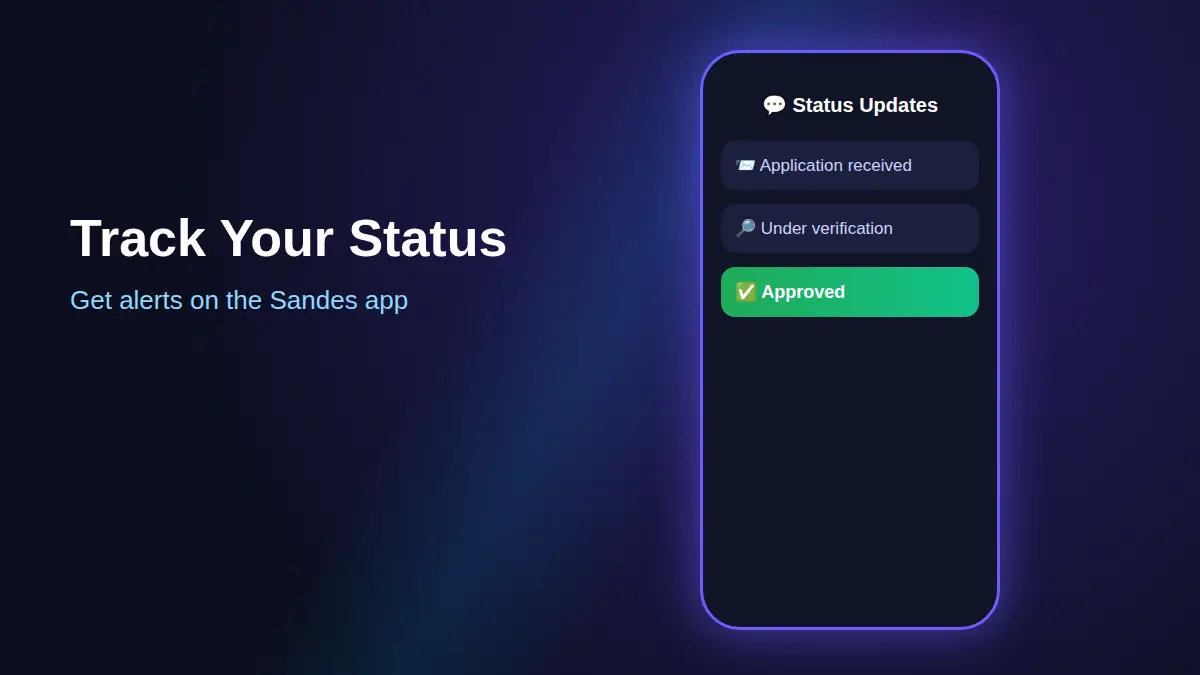
The portal suggests the Sandes app for status updates. Sandes is a free government chat app by NIC. Think of it as WhatsApp for government messages.
- Step 1: Install Sandes from the Google Play Store or the Apple App Store.
- Step 2: Register with the mobile number linked to your ration card.
- Step 3: Wait for messages about your status and card print password.
Quick Tips for Faster Approval
Follow these tips to make your ration card correction Kerala online request go smoothly.
- Type names exactly as on Aadhaar.
- Upload bright, sharp photos. Blurry files often get rejected.
- Stuck? Call the free help line 1967, or visit an Akshaya centre for help.
Frequently Asked Questions
Is ration card correction Kerala online free?
Yes. Applying on the official citizen portal is free. You only need a phone and internet.
How many days does a ration card update take in Kerala?
It depends on your Taluk Supply Office. You can check progress anytime on the portal or on Sandes.
Can I change the head of family online?
Yes. Use Change of Ownership in E-SERVICES, with proof for the new head.
I forgot my User ID. What now?
Tap “Forgot User Id” on the login page and follow the steps.
Final Words
Ration card correction Kerala online is simple once you know the steps. Create your account, pick the service, upload proofs and submit. Then track it on Sandes. Once your card is updated, you can also download your smart ration card online as a PDF.
So why wait in a queue? Grab your phone and fix your ration card today.