
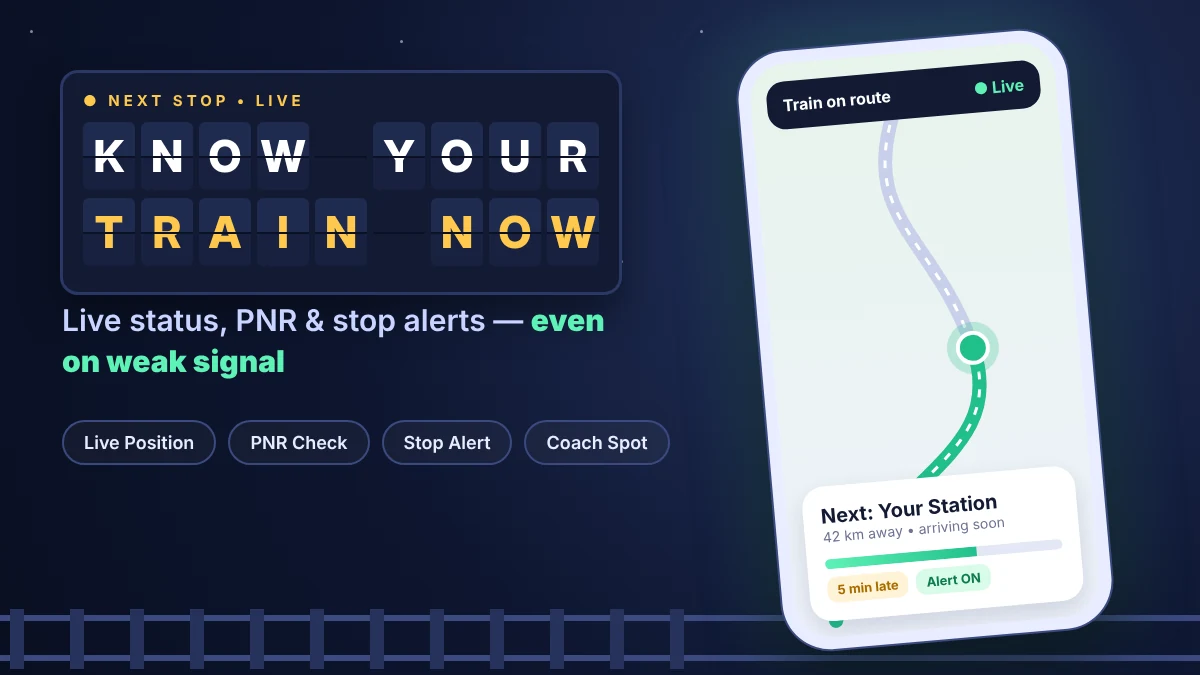
Your phone rings during a train trip. Someone at home asks, “Where are you now?” You look outside, but you can’t tell. This is where a RailTrack app download makes life easy. It shows your train’s live position, delay and next stops on your phone.
Who Needs a RailTrack App Download?
Many kinds of people can use it every day.
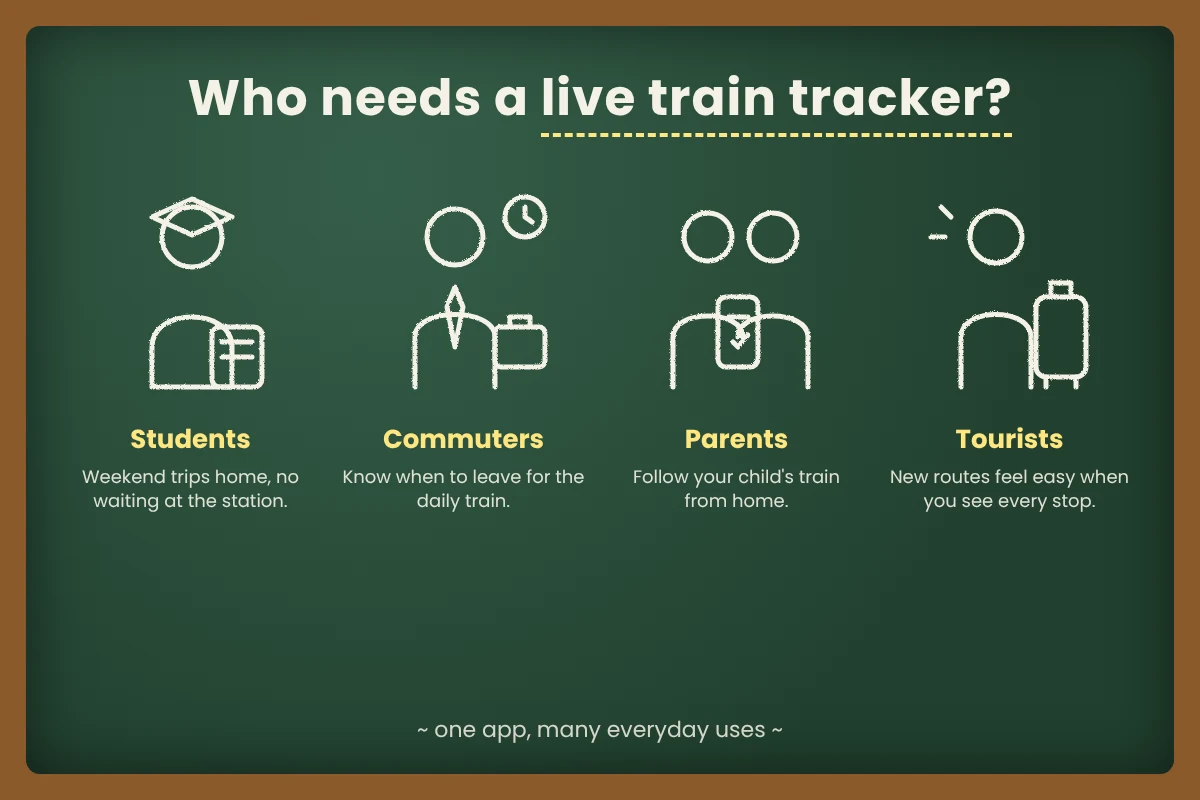
- College students: You go home every weekend. You can see if the train is late before leaving the hostel.
- Office commuters: Daily trains can change timing. A quick look tells you when to walk to the station.
- Parents of travellers: Your son is on a long trip. You can follow his train from home and feel calm.
- Pilgrims and tourists: New routes feel confusing. The app lists every stop, so you always know what comes next.
5 Best Features of the RailTrack App
Let’s look at the features in the order you will use them on a trip.
1. Before the trip – PNR check. Type your 10-digit PNR number. The app shows if your seat is confirmed, RAC or waiting. RAC means you get a shared berth.
2. Before the trip – Trains between stations. Enter two station names. You get a list of trains running between them.
3. At the station – Platform and coach position. See which platform your train uses. Also see where your coach will stop on it.
4. On the train – Live status and offline GPS. Watch the current location, speed and delay. When mobile signal drops, the app uses your phone’s GPS to guess the position.
5. Near the end – Destination alert. Choose your station. The phone alerts you as you get close, so you can pack your bags in time.
RailTrack App Download and Setup Guide
The RailTrack app download is free on Android. Here is how to get it ready.
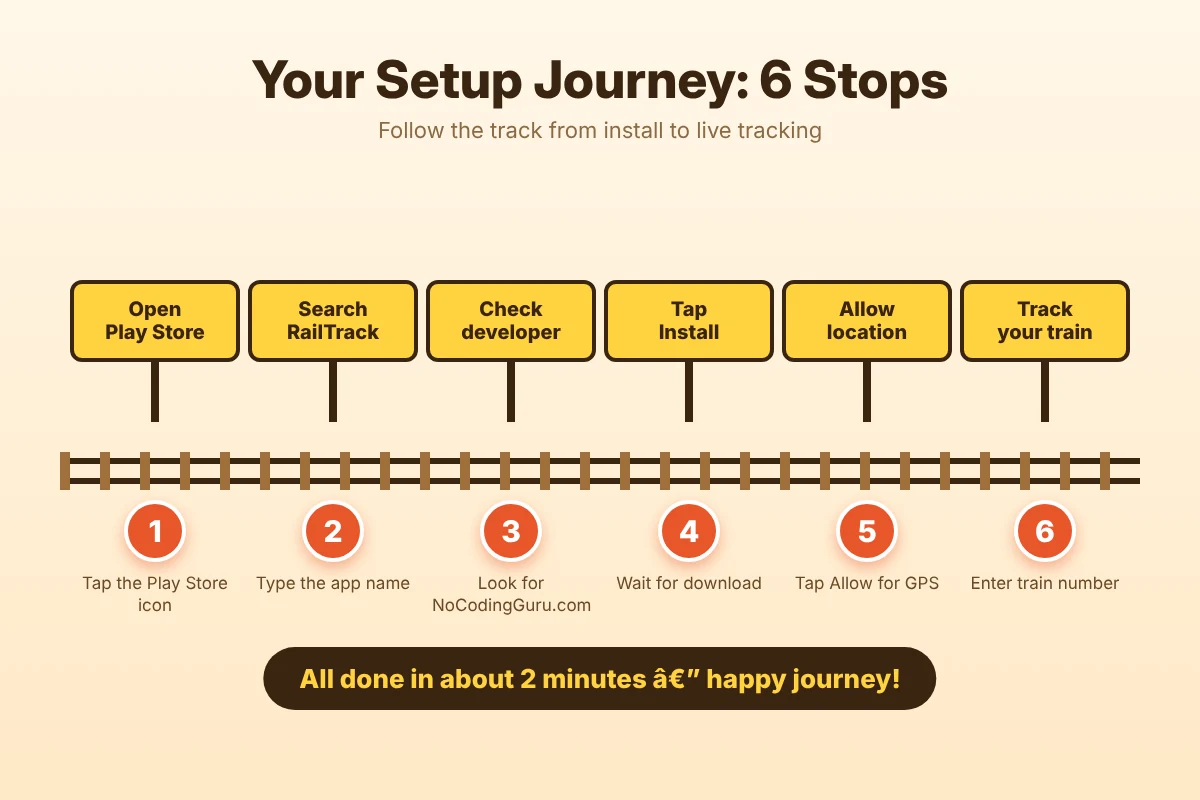
- Step 1: Open the Google Play Store. Or tap this official RailTrack listing on Google Play.
- Step 2: Type “RailTrack Live Train Tracker” in the search bar.
- Step 3: Check the developer name. It should say NoCodingGuru.com.
- Step 4: Tap Install. Wait for the download to finish.
- Step 5: Open the app. Tap Allow when it asks for location.
- Step 6: Search your train by number. Tap it to see the live status.
Need to book a ticket first? Read our complete guide to the RailOne super app by Indian Railways.
Download RailTrack App Safely
Official link only • Version 1.1.8 • Free
Android only. No official iPhone or web version yet.
Smart Ways to Use the RailTrack App on Your Next Trip
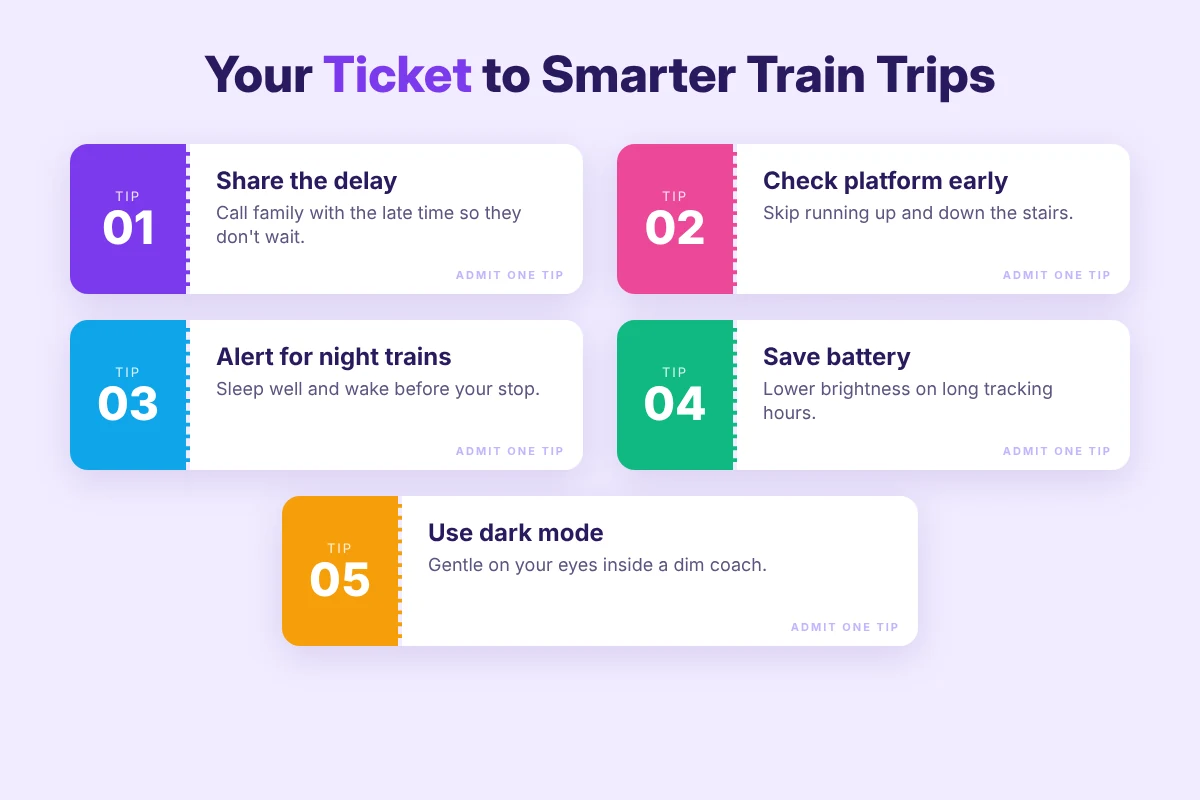
- Share the status by phone call. Tell family the delay time so they don’t wait at the station too early.
- Check the platform before you reach. You avoid running up and down stairs.
- Turn on the alert for night trains. Then you can sleep without worry.
- Save your battery. Lower screen brightness while tracking for many hours.
- Pick dark mode. It is gentle on your eyes in a dim coach.
RailTrack Not Working? Try These Fixes
- No results for your train? Type the train number instead of the name.
- Position is not moving? Make sure GPS and location access are on.
- Alert did not come? Turn off battery saver for this app.
- Old data showing? Close the app fully and open it again.
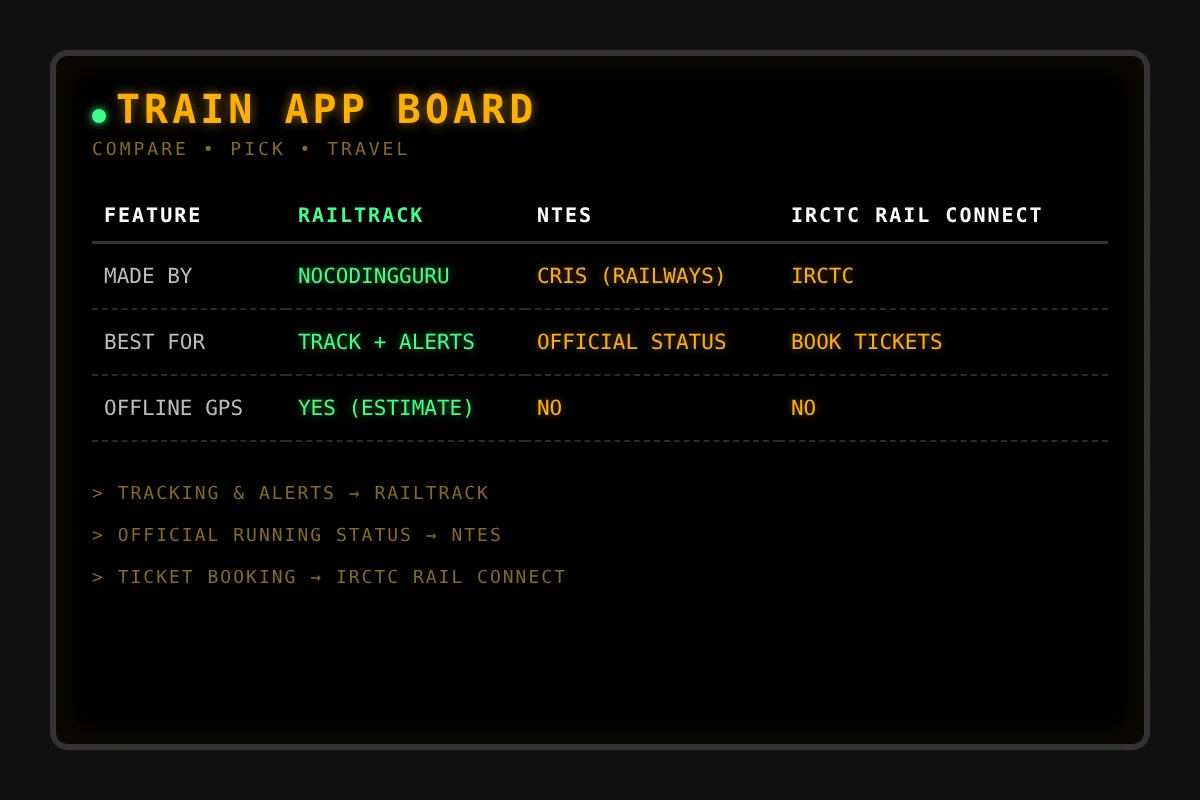
RailTrack vs NTES vs IRCTC Rail Connect
| RailTrack | NTES | IRCTC Rail Connect | |
|---|---|---|---|
| Made by | NoCodingGuru.com | CRIS (Indian Railways) | IRCTC |
| Best for | Tracking + alerts | Official running status | Booking tickets |
| Offline GPS | Yes (estimate) | No | No |
Is the RailTrack App Download Safe?
Only install the app from the Google Play Store. Avoid websites that offer free APK files. These may hide harmful apps.
RailTrack is a private app, not a government one. For big changes like cancelled trains, always follow station announcements.
Frequently Asked Questions
Is the RailTrack app download free?
Yes. It is free on Google Play, and the listing says it has no ads.
How correct is the offline location?
It is a close guess based on GPS. It may be a little off sometimes.
Can I track a family member’s train?
Yes. Just search their train number on your phone.
Does live tracking use a lot of battery?
GPS uses some extra battery. Keep a charger or power bank ready on long trips.
Wrapping Up
Train travel is more relaxed when you know exactly where you are. A quick RailTrack app download gives you live status, PNR checks and stop alerts in one place.
Try it on your next trip. And if this guide helped, share it with a friend who travels by train!
Ready for your next train trip?
Download RailTrack on Google Play