
Looking for a reliable way to know the exact Namaz time wherever you are? The Salatuk Prayer Time App (صلاتك) is one of the most downloaded Islamic prayer apps in the world, with more than 50 million installs on Google Play. In addition, it shows accurate Adhan times for Fajr, Dhuhr, Asr, Maghrib and Isha, points you to the Qibla, and reminds you before every prayer.
So, in this guide you will learn what the Salatuk app does, how to download it on Android and iPhone, how to set it up so the times match your local mosque, and how to fix notification problems. Official download links are in the download section below.
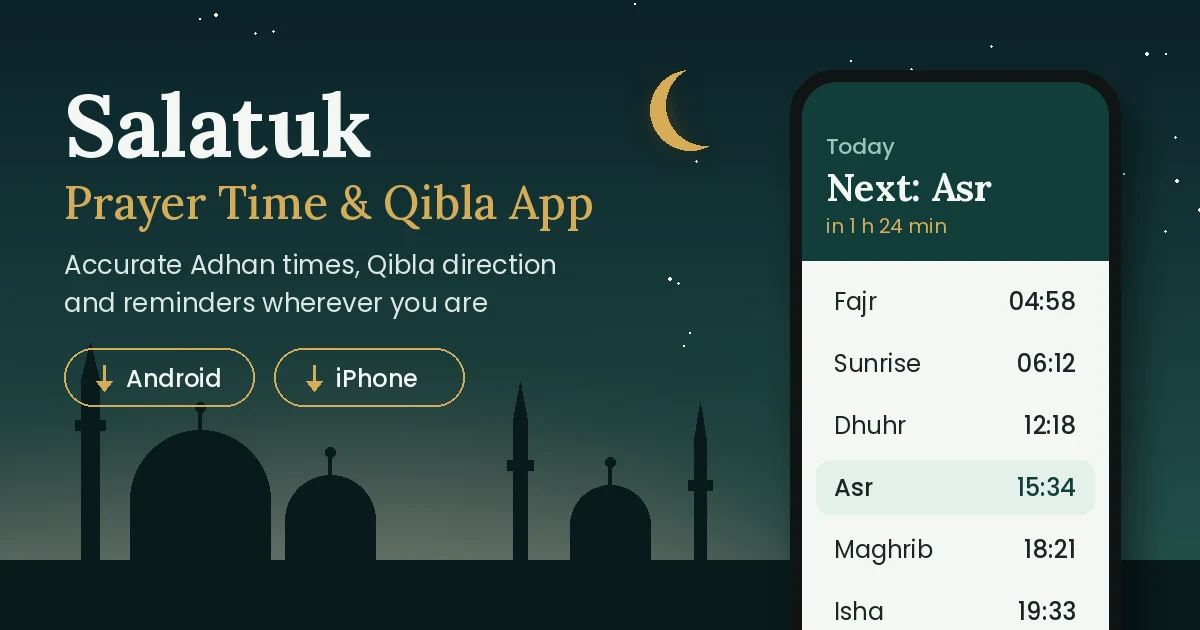
Salatuk Prayer Time App: Quick Overview
| App name | صلاتك Salatuk (Prayer time) |
|---|---|
| Developer | Masarat App (Morocco) |
| Platforms | Android and iPhone (iOS) |
| Downloads | 50 million+ on Google Play |
| Rating | 4.6 out of 5 from about 1.8 million Play Store reviews |
| Category | Lifestyle |
| Content rating | Rated for 3+ |
| Languages (iPhone) | Arabic, English and French |
| Last Android update | September 21, 2026 |
| Support email | salatuk@masaratapp.com |
What Is the Salatuk Prayer Time App?
Salatuk, which means “your prayer” in Arabic, is a Muslim prayer companion built by Masarat App. First, once you allow location access, it detects where you are and calculates the five daily prayer times for your city. It also shows the direction of the Kaaba in Makkah, so you can pray facing the Qibla at home, at work or while travelling.
Above all, Salatuk is popular because it keeps things simple. As a result, instead of filling the screen with extras, it focuses on the essentials: today’s prayer times, a countdown to the next prayer, the Adhan alert and a Qibla compass.
Key Features of Salatuk
Here are the main features that make the Salatuk Prayer Time App useful every day.
1. Accurate prayer times for your location
The app uses your phone’s location to work out Fajr, Sunrise, Dhuhr, Asr, Maghrib and Isha times. Also, when you travel to a new city or country, the times update for your new position.
2. Automatic calculation method and Fiqh school
However, different Muslim countries use different calculation methods. Salatuk supports a large number of these methods and chooses a suitable one, along with the Fiqh school and Adhan, based on where you are. Besides, you can change the method yourself from the Settings tab if your local mosque follows a different one.
3. Adhan alerts and prayer reminders
You get a notification with the Adhan at each prayer time. In addition, on Android you can create extra reminders and choose a custom sound or recording for them, for example a short Takbir instead of the full Adhan.
4. Qibla direction finder
A built-in compass points towards the Kaaba from your current location. Therefore, it is very useful in hotels, offices and new places.
5. Manual time adjustment
For example, if the app’s time differs by a minute or two from your local masjid, you can adjust each prayer time manually.
6. Privacy-friendly
Moreover, according to the Data safety section on Google Play, the developer declares that the Android app collects no user data and shares no data with third parties.
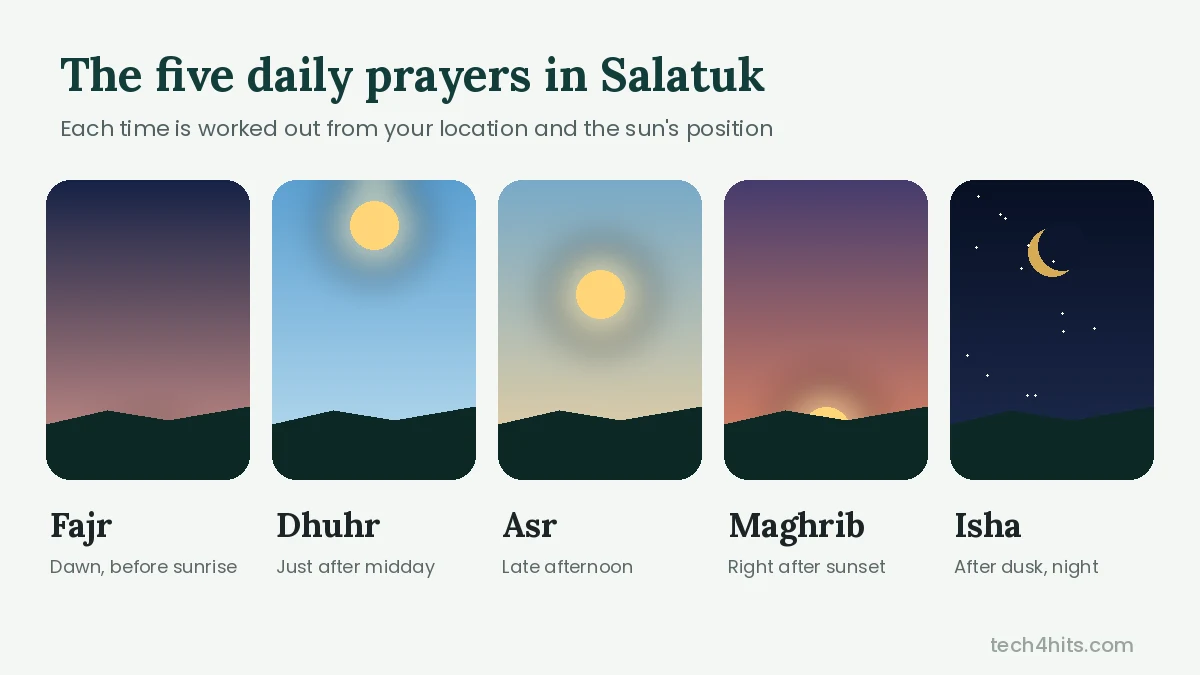
The Five Daily Prayer Times Explained
Salatuk shows all five obligatory prayers along with sunrise. For instance, here is when each prayer begins:
| Prayer | When it begins |
|---|---|
| Fajr | At true dawn, before sunrise |
| Dhuhr | Just after the sun passes its highest point at midday |
| Asr | In the afternoon, when an object’s shadow reaches a set length |
| Maghrib | Right after sunset |
| Isha | After the evening twilight has disappeared |
Prayer Time Calculation Methods and Asr Timing
Fajr and Isha times depend on how many degrees below the horizon the sun is, and different organisations use different angles. This is why two prayer apps can show slightly different Fajr or Isha times for the same city. For example, common methods include Muslim World League, Umm Al-Qura (Makkah), Egyptian General Authority and University of Islamic Sciences, Karachi.
Similarly, Asr also has two opinions. In the Shafi’i, Maliki and Hanbali schools, Asr starts when an object’s shadow equals its own length. On the other hand, in the Hanafi school, it starts when the shadow is twice the length, so Hanafi Asr comes later. In India, for example, many Muslims in Kerala follow the Shafi’i school, while the Hanafi school is widely followed in North India. Therefore, check which one your masjid uses and set Salatuk to match.
How to Download Salatuk Prayer Time App on Android
- Open the Google Play Store on your phone, or use the Google Play button in the download section above.
- Search for “Salatuk Prayer time” and make sure the developer is Masarat App.
- Then tap Install and wait for the download to finish.
- Finally, open the app and allow location and notification permissions.
How to Download Salatuk on iPhone
- Open the App Store on your iPhone, or use the App Store button in the download section above.
- Search for “Salatuk” and select the app with the صلاتك name.
- Next, tap Get (or the price button) and confirm with Face ID, Touch ID or your password.
- Finally, open the app and allow location and notifications.
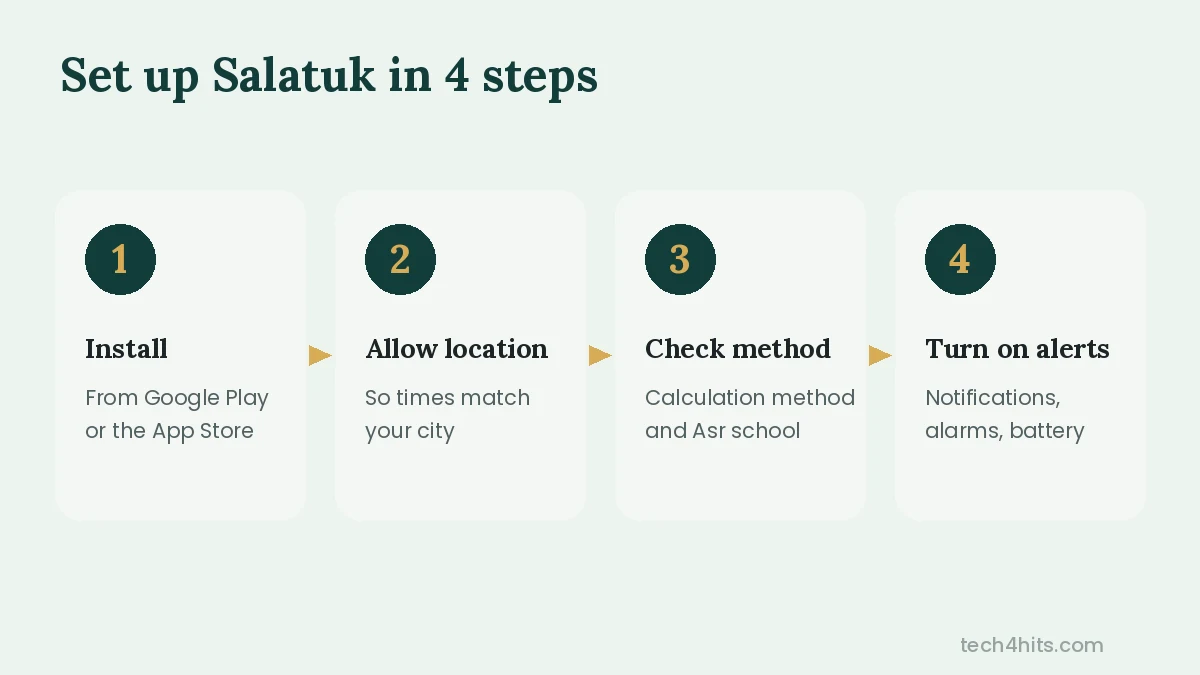
How to Set Up Salatuk Correctly
A few minutes of setup makes sure the Salatuk Prayer Time App never misses an Adhan:
- Turn on location so the app can detect your city automatically. Otherwise, you can set your location manually.
- Check the calculation method and Asr school in the Settings tab so the times match your local masjid.
- Choose your Adhan sound for each prayer, for example a full Adhan or a short Takbir.
- Allow all permissions needed for alerts, as explained in the next section.
Salatuk Adhan Notification Not Working? Try These Fixes
Most notification problems on Android happen because of battery-saving settings that stop the app in the background. The Salatuk team recommends checking these settings on your phone:
- Notifications: allow notifications for Salatuk, with sound turned on.
- Alarms & reminders: give the app this special permission so alerts fire on time.
- Battery: set Salatuk’s battery usage to Unrestricted (on Samsung, remove it from “Sleeping apps”).
- Update the app from the Play Store to get the latest fixes.
However, if the problem continues, email the developer at salatuk@masaratapp.com with screenshots of your notification and reminder settings.
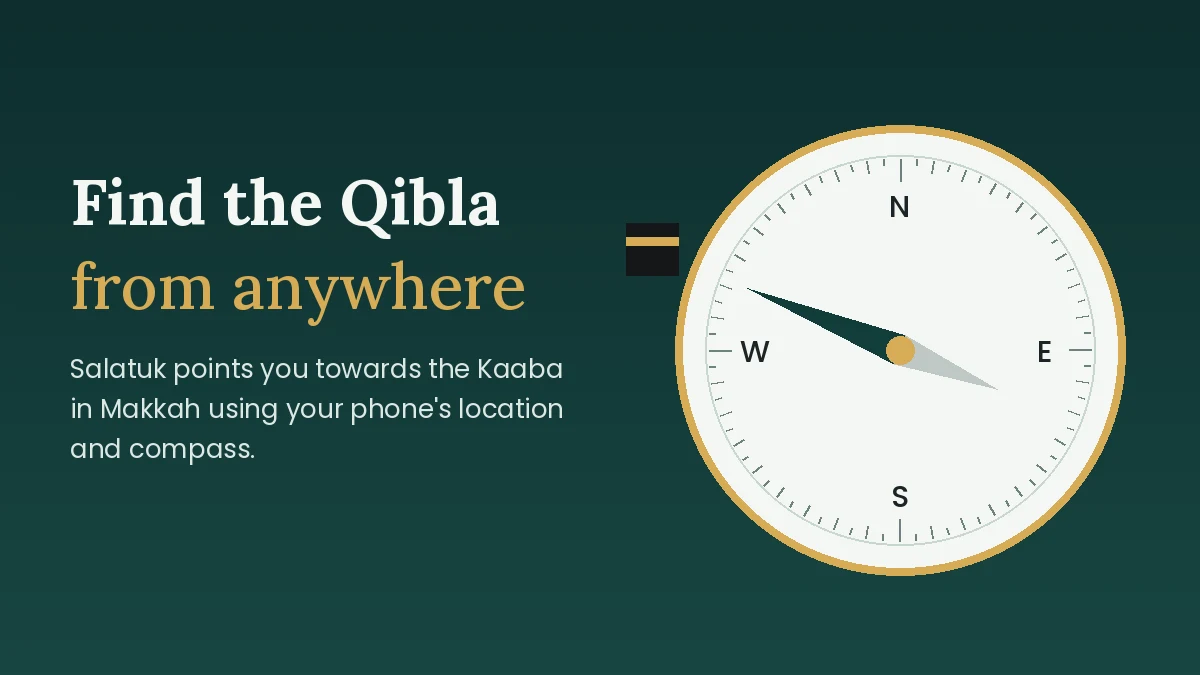
How to Find the Qibla Direction Using Salatuk
The Qibla compass in the Salatuk Prayer Time App is easy to use. Follow these steps:
- Open Salatuk and go to the Qibla section.
- Hold your phone flat, away from metal objects and magnets.
- Then, if asked, move your phone in a figure-8 motion to calibrate the compass.
- Finally, turn slowly until the pointer lines up with the Kaaba icon. You are now facing the Qibla.
Salatuk on Android vs iPhone
| Feature | Android | iPhone |
|---|---|---|
| Prayer times and Qibla | Yes | Available |
| Automatic calculation method | Supported | Available |
| Custom Adhan sound | Yes | Not supported |
| Full Adhan playback | Supported | No |
| Silent mode after Adhan | Yes | Missing |
| Price | Free | Check App Store for your region |
So the Salatuk Prayer Time App works best on Android. The developer notes on the App Store that some features are missing on iPhone because of iOS limitations, and says it will add them as soon as iOS allows.
Pros and Cons of Salatuk
Pros
- Clean, easy-to-read design
- Automatic location and method
- Accurate Qibla compass
- Custom Adhan and reminders on Android
- No data collected, as per Play Store listing
Cons
- Some users report duplicate or missed notifications on certain phones
- iPhone version has fewer Adhan options
- iPhone version may not be free in every country
Is Salatuk Safe to Use?
Yes. The Salatuk Prayer Time App is available on the official Google Play Store and Apple App Store and has been used by millions of Muslims for years. On Google Play, the developer states that the app does not collect or share user data. Therefore, always download it from the official links on this page and avoid unofficial APK websites.
Best Alternatives to Salatuk
If you want to try other options, for example, popular Islamic prayer time apps include MAWAQIT (which shows timings from registered mosques), Muslim Pro, and Muslim: Prayer Times, Qibla (formerly Muslim Assistant). Also, you can find more useful apps in our Apps section.
Frequently Asked Questions
Is the Salatuk Prayer Time App free?
Yes, Salatuk is free to download on Android. However, on iPhone, the price may vary by country, so check the App Store page before installing.
Does Salatuk work without internet?
Prayer times are calculated from your location and the sun’s position, so once your location is set, the times can be shown without a constant internet connection. However, location services must be on to detect a new city.
Why is Salatuk showing a different time from my mosque?
Your mosque may use a different calculation method or Asr school. First, change these in Settings, then use manual adjustment for small differences.
How do I set a short Adhan or Takbir in Salatuk?
On Android, go to Reminders, open an existing reminder or tap (+) to create one, after that, tap the Adhan/Sound option and pick a custom sound or recording.
Can I find the Qibla direction with Salatuk?
Yes. Salatuk has a built-in Qibla compass that points towards the Kaaba in Makkah from your current location.
Which languages does Salatuk support?
The iPhone version is available in Arabic, English and French.
Conclusion
The Salatuk Prayer Time App is a simple and trusted way to keep track of your daily Salah. In short, with automatic prayer times, Adhan alerts, a Qibla compass and a clean design, it suits both daily use and travel. So, download Salatuk using the official links below and set it up once to make sure you never miss a prayer.
Disclaimer: Tech4Hits is not affiliated with Masarat App. App details such as rating, downloads and price are taken from the official store listings and may change over time.